Vilm Care
Download v1.1.0Introduction
- Diagnoses and optimizes commonly overlooked Windows PC settings — power, USB, network, sound, and more — quickly and easily.
- Helps prevent issues like CPU spikes and audio dropouts in real-time audio environments such as DAW production and live streaming.
- May also improve general PC performance.
- Developed and tested on Windows 10/11 desktop environments. Results may vary depending on your PC environment.
- Vilm is not responsible for any issues caused by improper use of the software.
Guide
Before applying optimization settings with Vilm Care, proper hardware setup is the most important step. Make sure critical devices like your audio interface are connected to the rear ports of your PC.
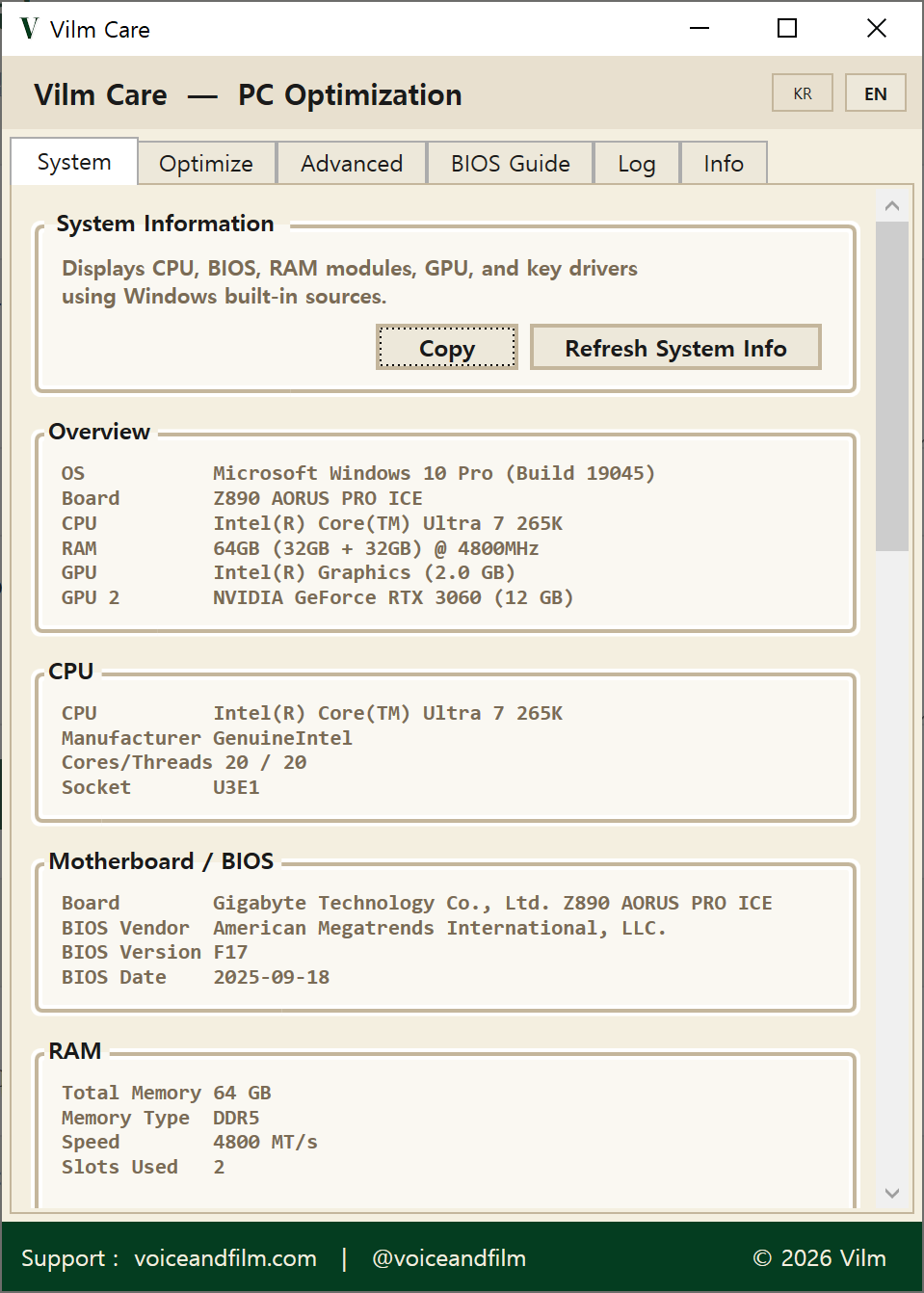
View your PC's key specs and drivers at a glance.
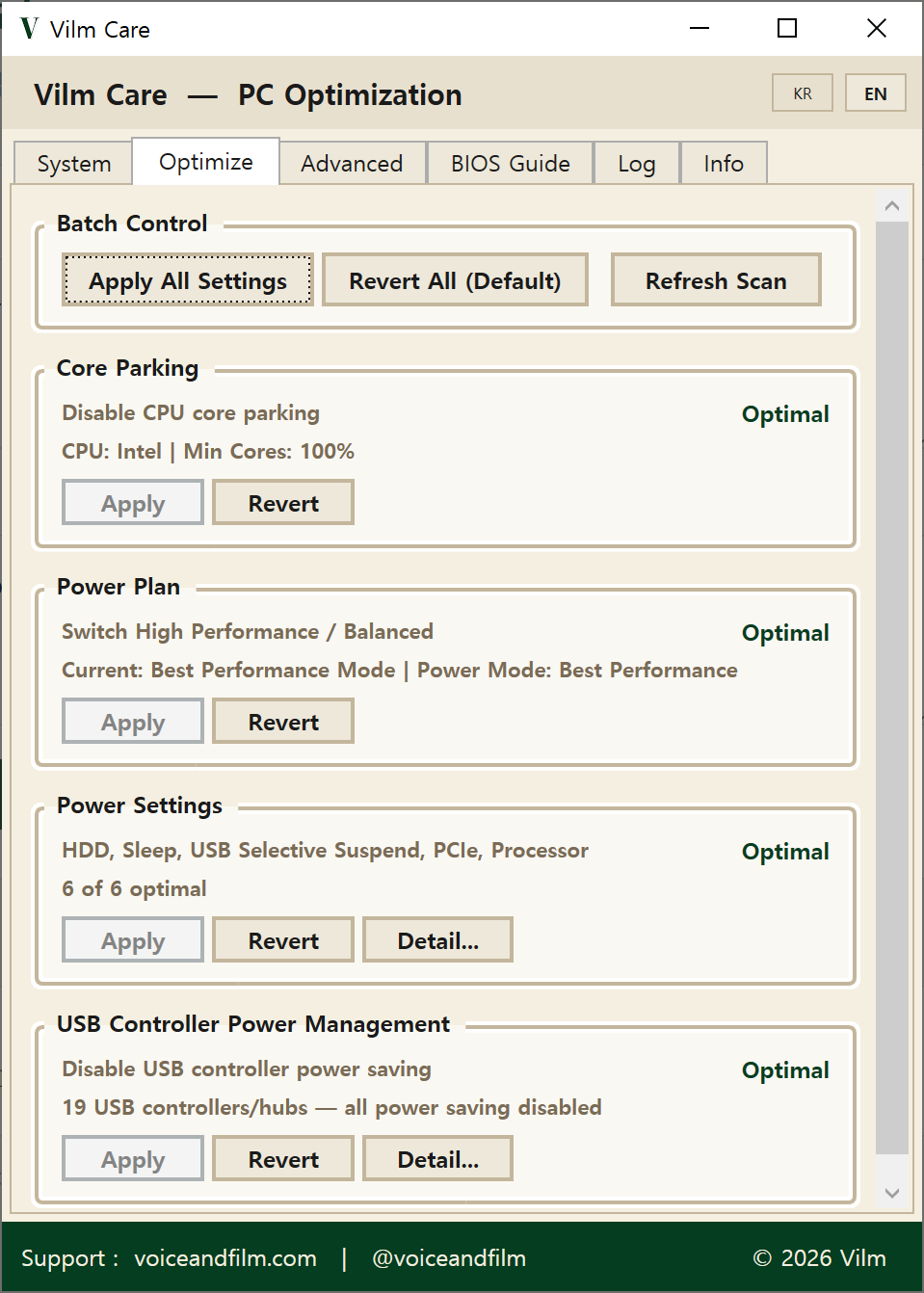
Disables power-saving options that can affect real-time audio processing. Strongly recommended for a stable working environment. May slightly increase power consumption.
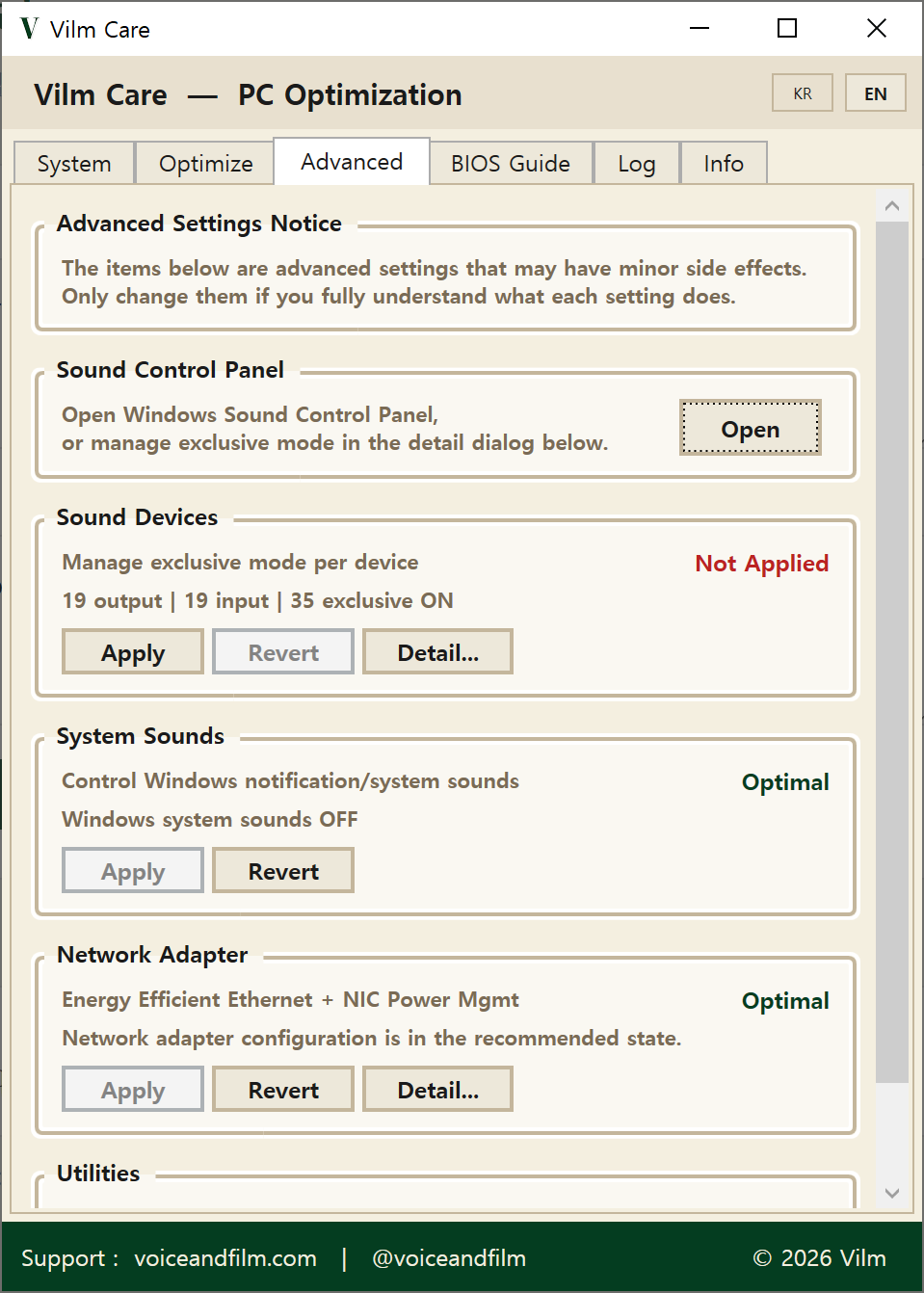
Easily manage sound device settings and other options you may want to configure based on your environment and preferences. Only change these if you fully understand them.

BIOS settings must be changed by the user directly. Keep defaults unless there's a specific issue, but we recommend keeping your BIOS version up to date.
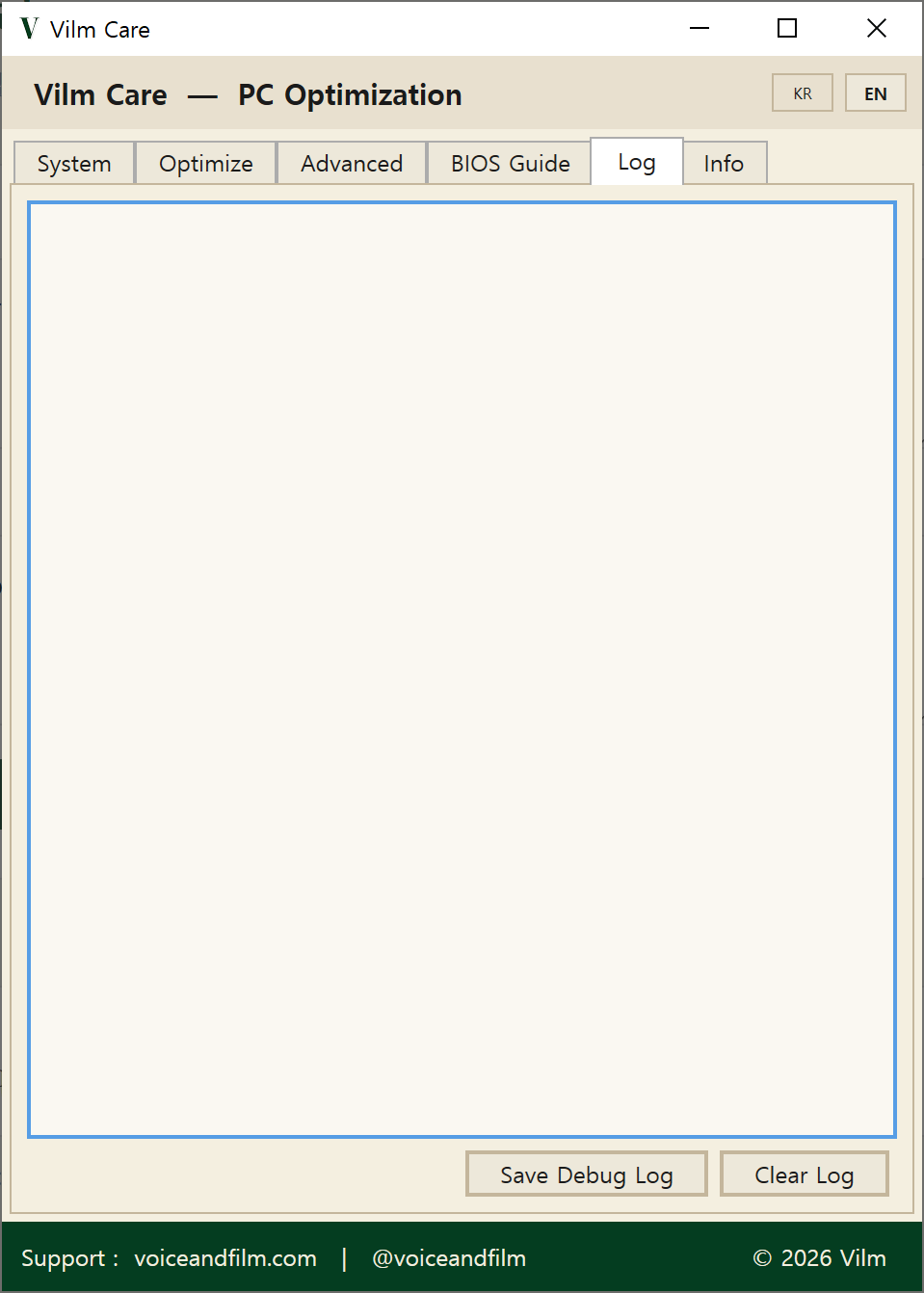
Diagnostic results and applied/reverted changes are recorded here.
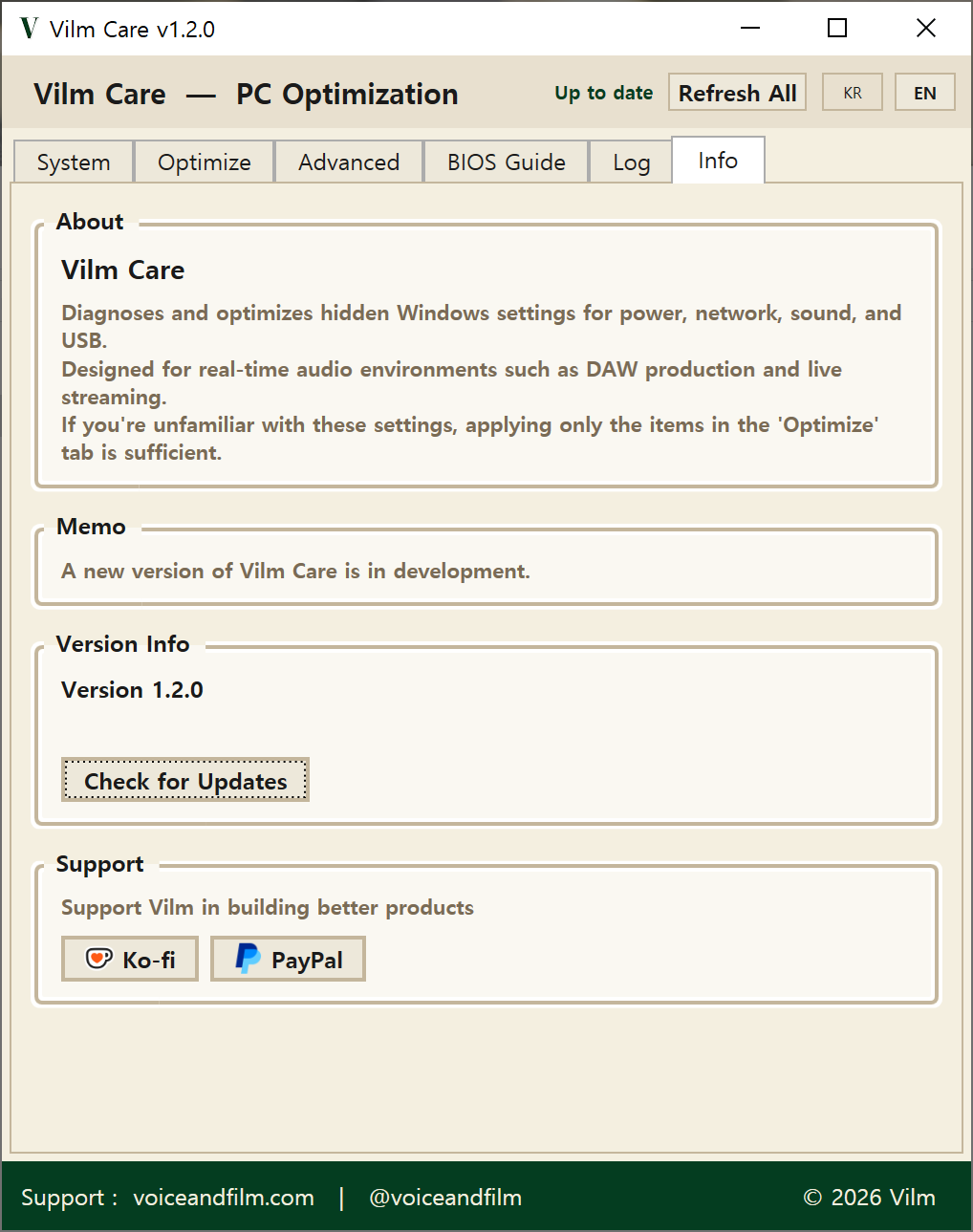
Check app version and available updates.
Developer Note
Hi, I'm Hyunwoo Park from Vilm.
I built this tool based on years of experience in music production and live streaming.
When working on a Windows PC, things don't always go as expected. Even on a high-spec system, you can run into CPU spikes, audio dropouts, and other issues. Preventing these problems often comes down to a set of fundamental Windows settings that need to be configured properly.
But these settings can be confusing and tedious to manage.
After years of facing these problems firsthand — researching, testing, and solving them — I was able to identify the settings that actually make a difference.
And from there, I built a tool that lets you apply them in just a few clicks.
I hope Vilm Care can be helpful to those just getting started with music production or streaming, those unfamiliar with Windows system settings, and anyone dealing with audio-related issues.
Vilm Care will be continuously updated, with more exciting features to come.
For questions about the software or PC/equipment setup, please reach out via email or the Contact page. Thank you.

Changelog
- Fixed USB power saving disable error
- Added server notice feature
- Added system info clipboard copy
- Added detailed debug log export
- Fixed sound device rename error
- Fixed exclusive mode status on some devices
- Initial release
Your support helps us build better tools.